SLEEP / WAKE
Identical monitors return in the wrong order
Restore a saved profile when the connected display set strongly matches what you saved before.

LayoutRecall
LayoutRecall is the open-source macOS menu bar app for MacBook + dock + multi-display desks. Save a known-good layout once, then bring it back after sleep, wake, or reconnect.
Automatic restore stays conservative. Lower-confidence cases remain manual on purpose.
WHEN MACOS GETS IT WRONG
The app is intentionally narrow: restore a desk you already trust instead of pretending to be a full display-management suite.
SLEEP / WAKE
Restore a saved profile when the connected display set strongly matches what you saved before.
RECONNECT
Bring back the known arrangement instead of rebuilding the desk by hand after every reconnect.
LOW CONFIDENCE
The app stops short, shows diagnostics, and keeps recovery manual when the match is not strong enough.
RIGHT NOW
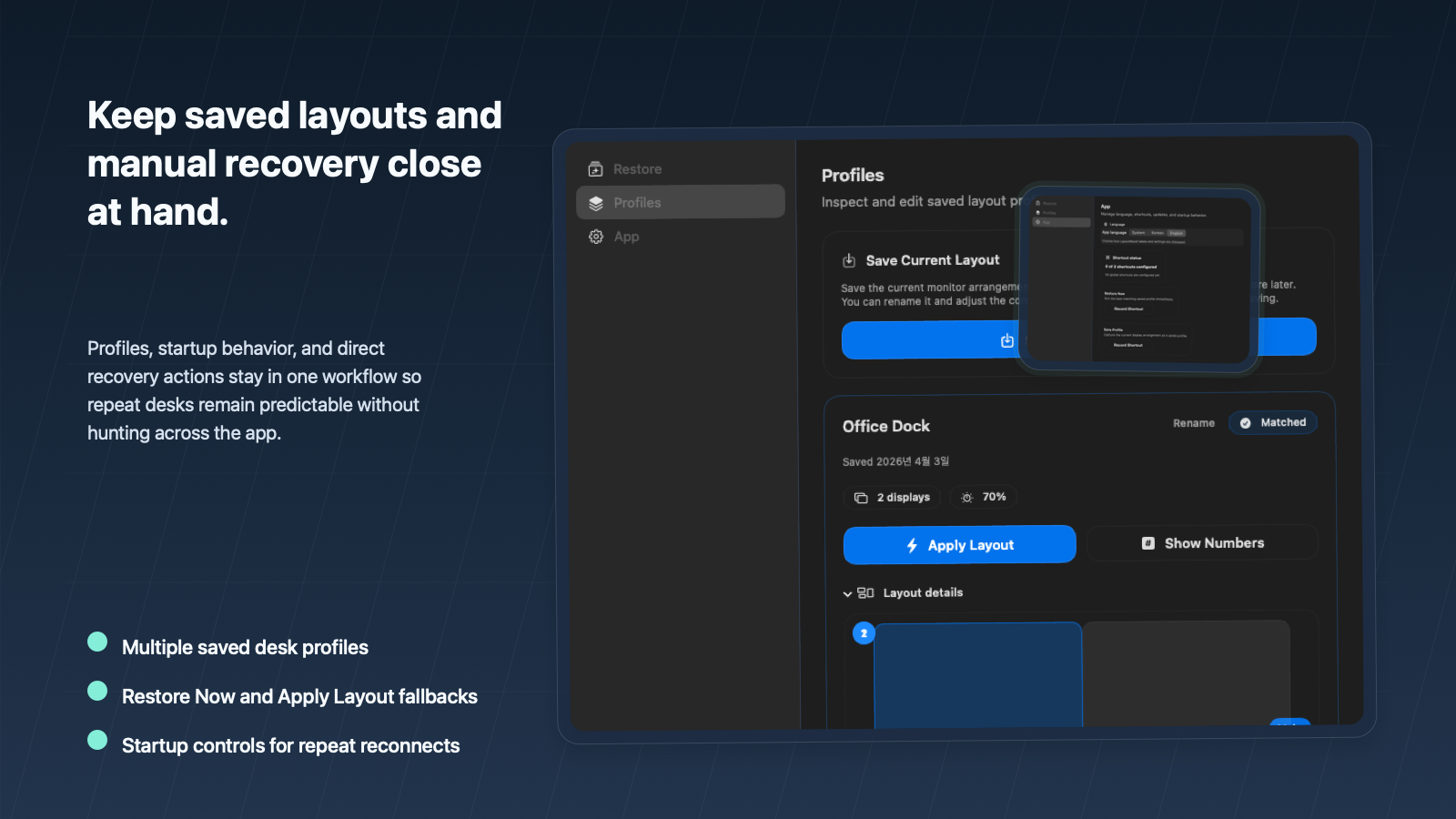
Use Restore Now, Apply Layout, Show Numbers, and related controls from the menu bar when you want control.
FIT
LayoutRecall is strongest for people who already know the exact monitor layout they want back.
DESK SETUP
It is built for repeat desks where the arrangement is stable but macOS keeps bringing displays back in the wrong place.
TRUST
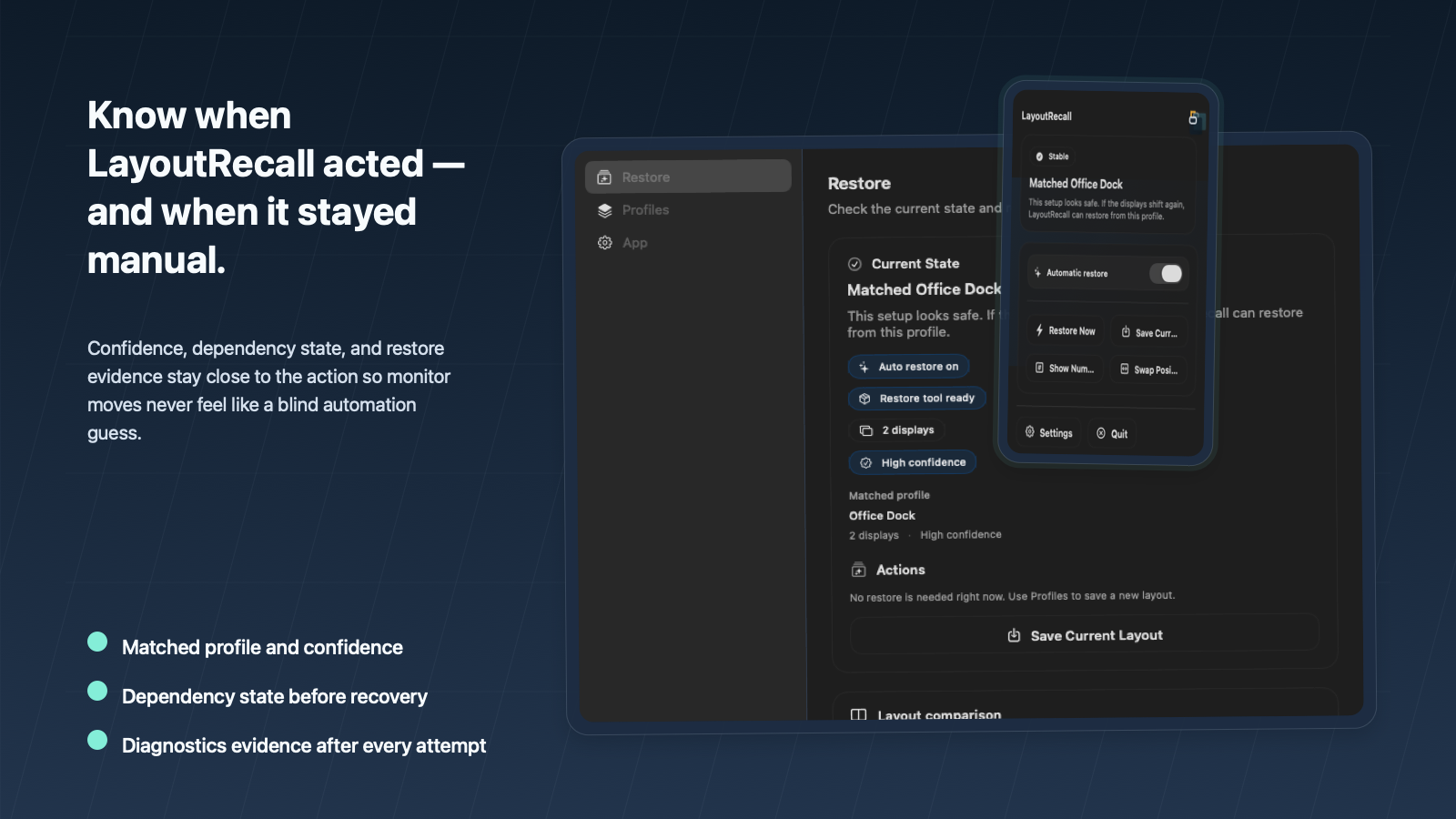
Automatic restore only runs on confident matches. When confidence is weak, the app stays transparent and leaves the final move to you.
BOUNDARY
If you want a magical answer for every four-plus-display edge case, this product is intentionally narrower than that promise.
VISUAL PROOF
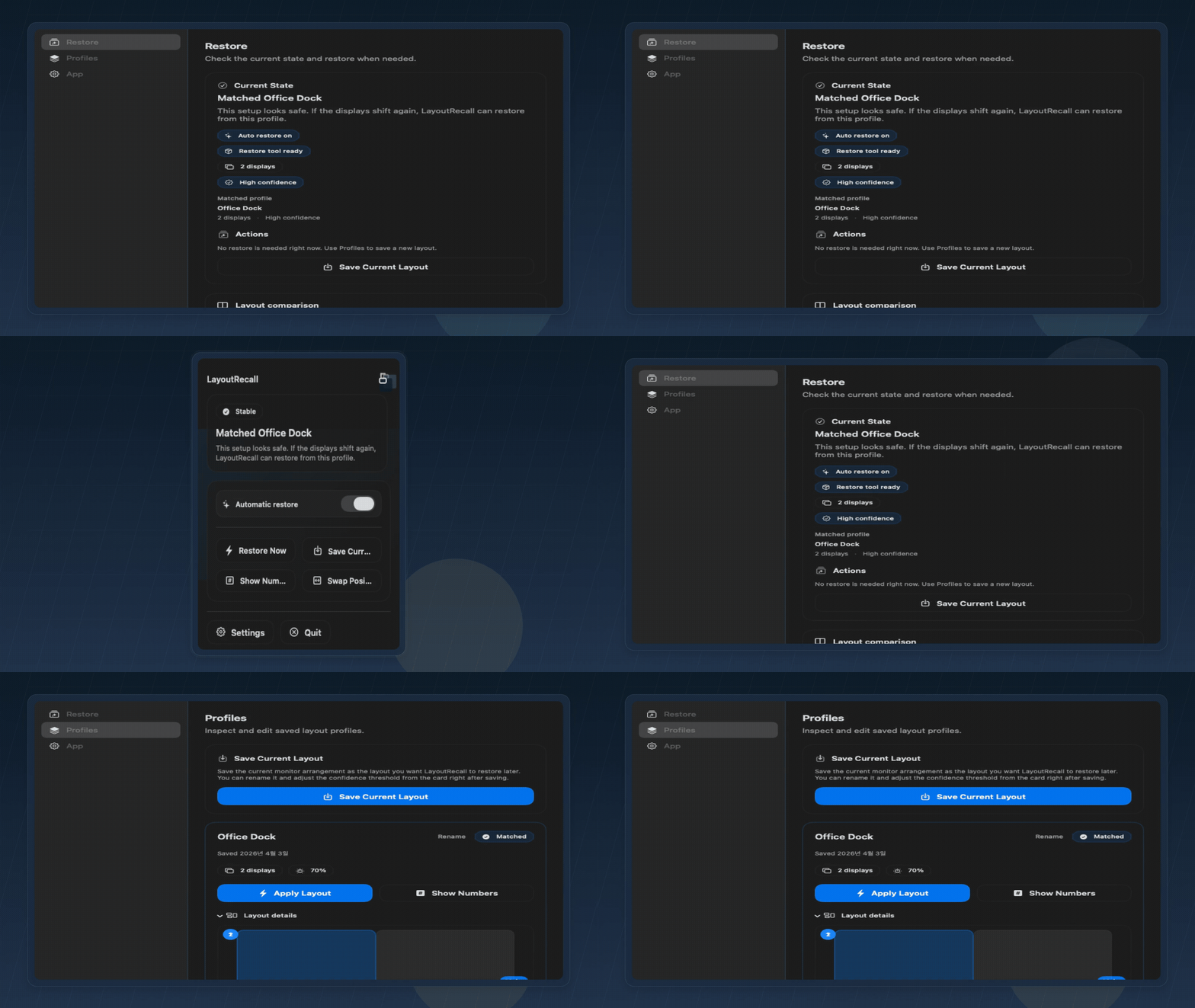
The current public build shows diagnostics, profiles, and recovery controls directly in the product instead of hiding them behind guesswork.
INSTALL
GitHub Releases and the Homebrew cask are the fastest public paths. The product stays honest about its dependency on displayplacer for actual restore commands.
Download the signed DMG, drag LayoutRecall into Applications, then save a baseline layout from the menu bar.
https://github.com/aroido/layoutrecall/releasesIf displayplacer is missing, LayoutRecall can surface that dependency state and guide the install flow before restore commands run.
Install from the public cask if you prefer the Homebrew path.
Install command
brew install --cask aroido/layoutrecall/layoutrecallRestoring a saved layout still depends on displayplacer being available on PATH.
LayoutRecall is most convincing when you already have a known-good desk layout and want a safer way to recover it after macOS drifts.