
PASSIVE
No manual battle flow
The app does not ask you to stop coding and tap through encounters. It resolves them automatically.

Tokenmon
Tokenmon is a macOS menu bar companion for people who spend their day in Claude Code and Codex. Keep coding like normal while exploration builds, encounters resolve automatically, and your local Dex grows.
It is a passive collection loop, not another productivity dashboard.
WHY PEOPLE KEEP IT OPEN
Tokenmon is strongest when it turns work that already happens into a small background reward loop.
PASSIVE
The app does not ask you to stop coding and tap through encounters. It resolves them automatically.
AMBIENT
Open it when you want the current state, progress, recent encounter, or Dex view without turning work into a dashboard session.
LOCAL
The current public build does not require an account or cloud sync. The product story starts with local state and low-friction install paths.
CORE LOOP
The product turns AI coding activity into exploration, then lets the app handle the encounter result.
STEP 01
Tokenmon is designed around existing coding flow rather than a separate play session.
STEP 02
Normal usage becomes progress toward the next encounter without requiring prompt or response text for gameplay.
STEP 03
Each encounter automatically ends as captured or escaped, keeping the interaction lightweight.
STEP 04
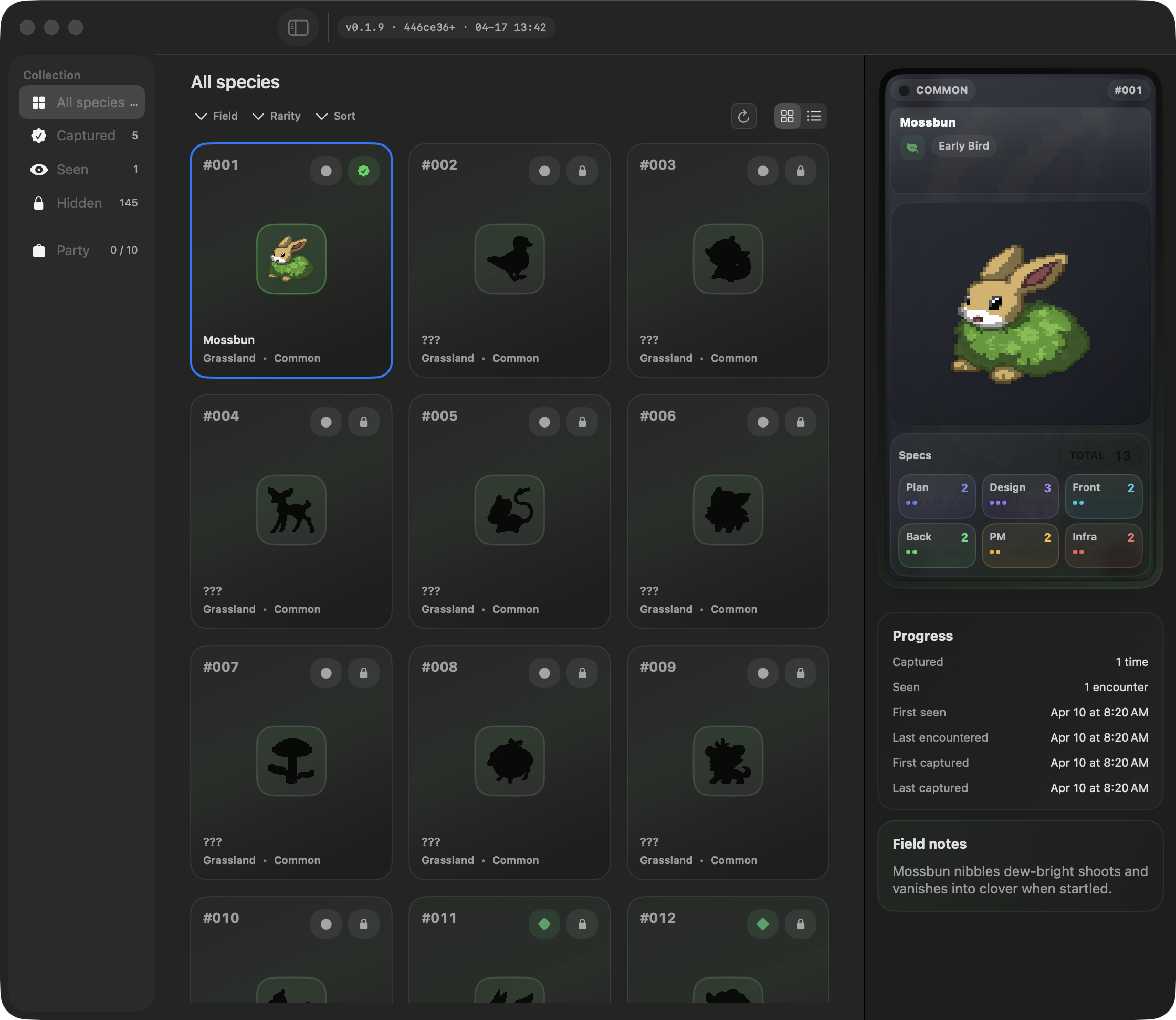
Seen and Captured progress accumulates on the Mac so the collection can grow over time.
TRUST BOUNDARY
The current public story is intentionally narrow: local-first collection, no account requirement, and no prompt text needed for gameplay.
PROMPTS
Tokenmon should be judged as an ambient companion, not a tool that reads or ranks what you typed.
ACCOUNT
Trying the app starts with a Mac install path, not a hosted dashboard or signup flow.
SOURCE
The public repository carries shipped snapshots, release assets, and the install channel while day-to-day maintainer workflow stays separate.
VISUAL PROOF
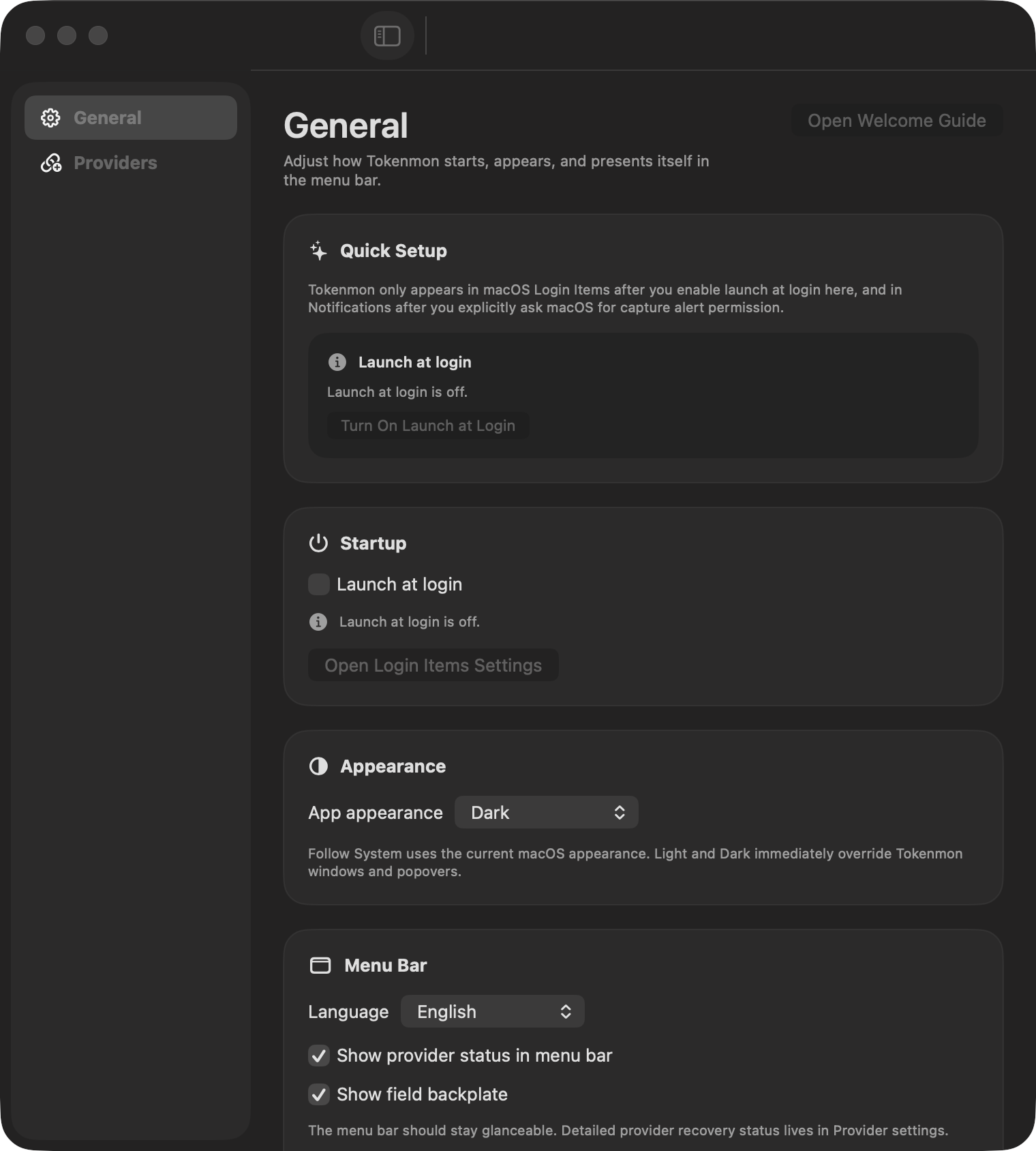
Start with the menu bar loop, then inspect the Dex and settings views that make the collection and setup visible.

INSTALL
GitHub Releases and Homebrew are the current public paths. Tokenmon requires macOS Sequoia or later.
Open the latest release page for the DMG, release notes, checksums, and Sparkle update metadata.
https://github.com/aroido/tokenmon/releases/latestThe public repo is source-available and acts as the release mirror for shipped snapshots.
Use the cask path if you prefer installing and upgrading from the terminal.
Install command
brew install --cask aroido/tokenmon/tokenmonRelease builds can update in-app, so the Homebrew path is mainly for initial install and terminal-driven upgrades.
Tokenmon makes sense when the loop feels quiet enough to live beside work. Try one session, then decide if the collection is worth keeping.